Content Calendar
Plan, schedule and track your content in one spreadsheet – and finally show up consistently.
Instant digital download · Secure checkout via Gumroad
What's included
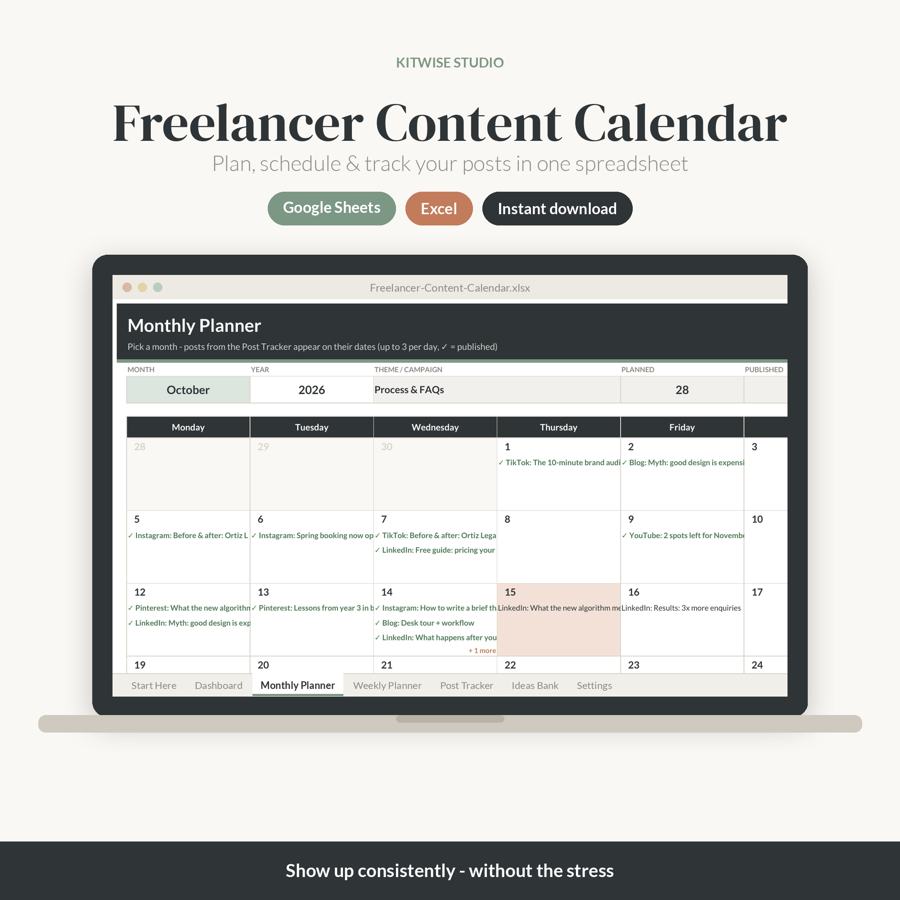
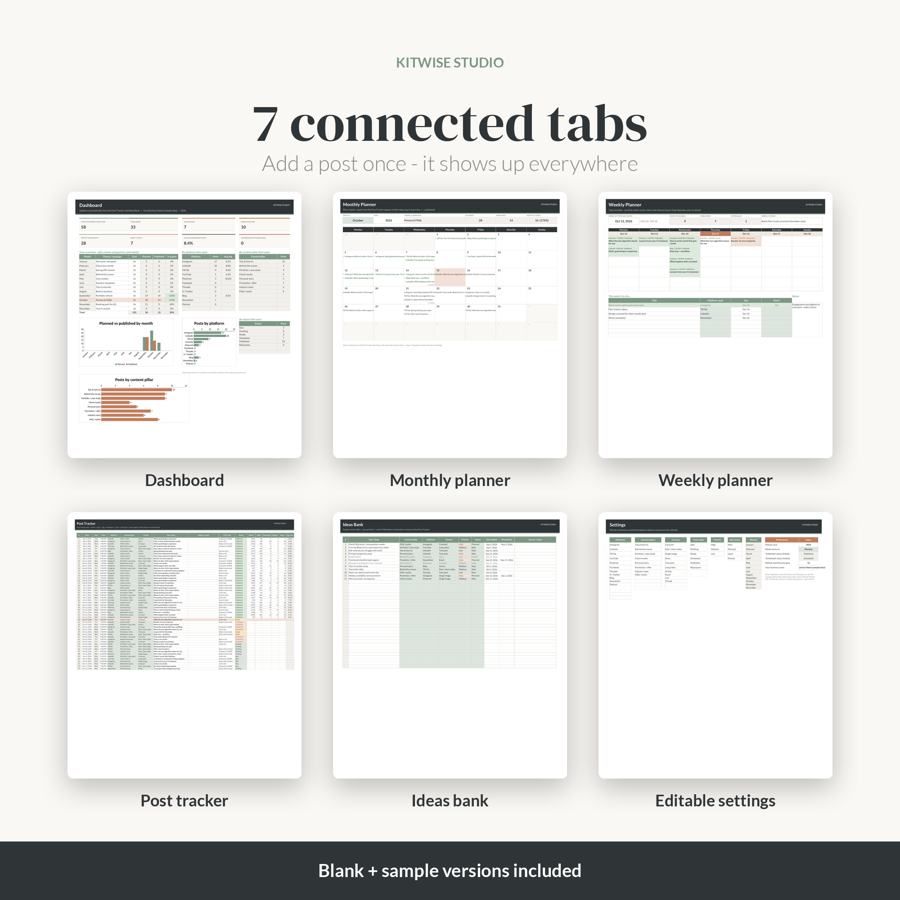
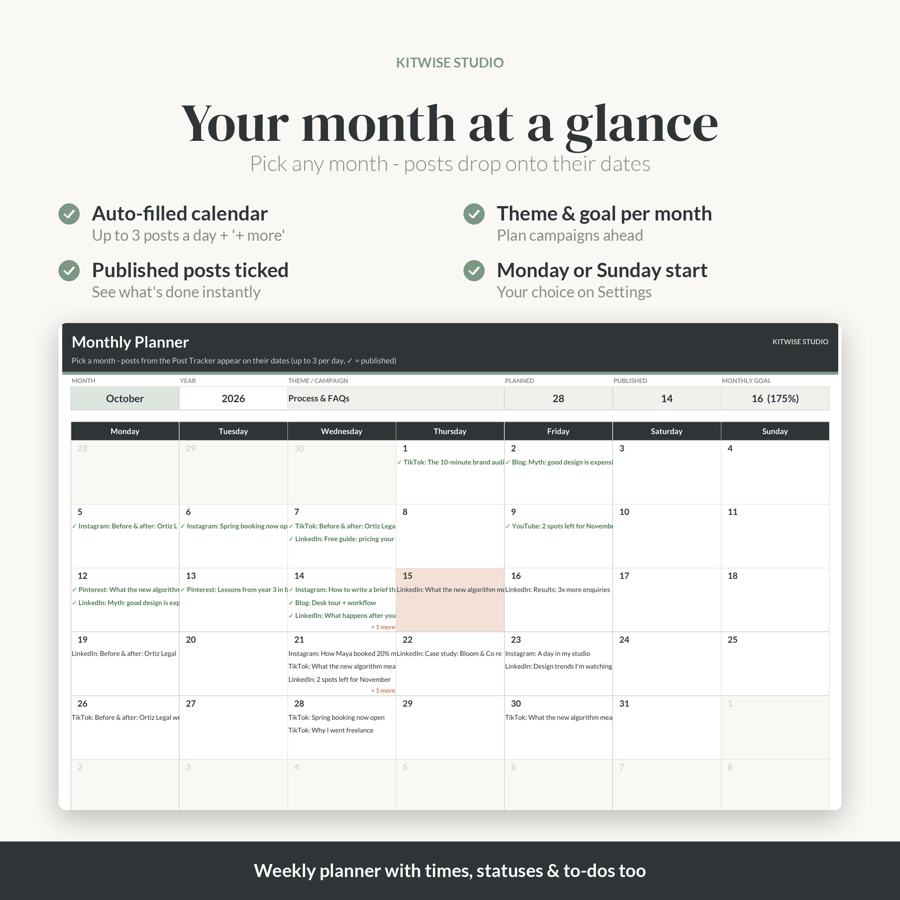
- Monthly Planner: pick any month and see every post on its date (up to 3 a day + '+ more'), published posts ticked, today highlighted, month theme, post count and goal progress
- Weekly Planner: type any date to see that week's posts with platform, time and status, plus a weekly focus, to-do list and notes
- Post Tracker (300 rows): date, day, time, platform, content pillar, format, title / hook, caption notes, CTA / link, status, reach, likes, comments, shares, saves and automatic engagement rate
- Ideas Bank (200 rows): idea, pillar, platform, format, priority, status, date added and planned date
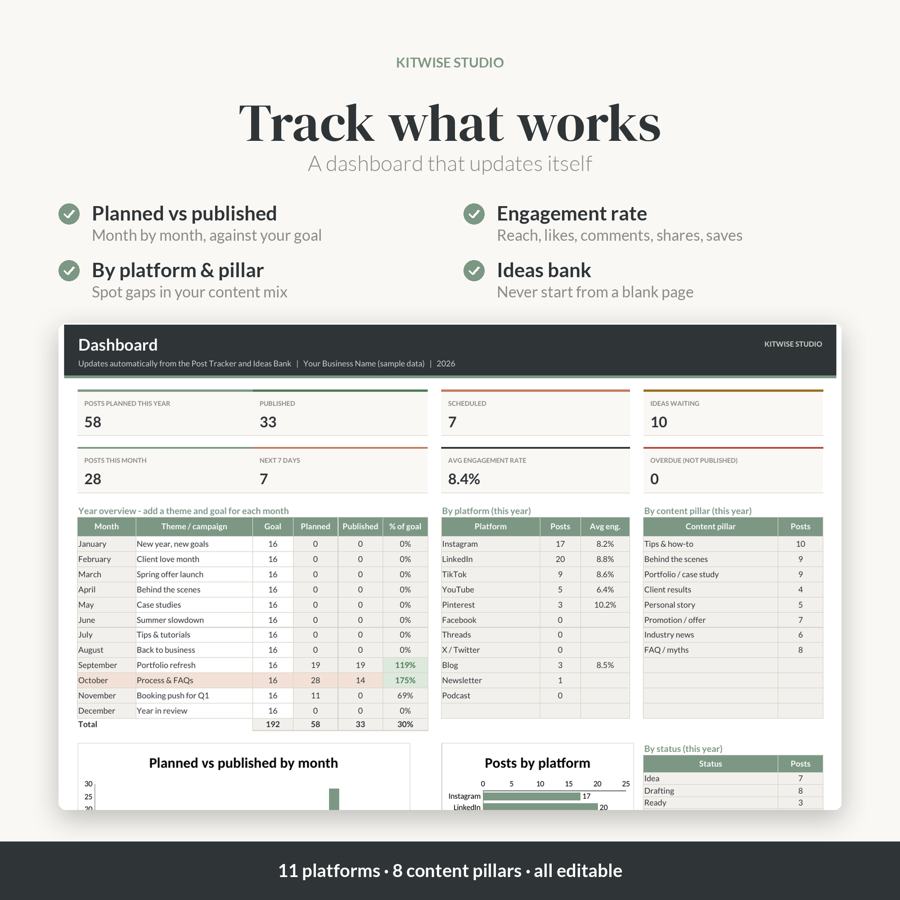
- Dashboard: planned, published, scheduled, ideas waiting, posts this month, next 7 days, average engagement, overdue posts, a 12-month overview with themes and goals, platform / pillar / status breakdowns and 3 charts
- Settings: planner year, Monday or Sunday week start, monthly goal and editable lists (11 platforms, 8 content pillars, formats, statuses)
- Start Here instructions tab, a BLANK file and a SAMPLE-data file
Features
- Add a post once – it appears on the planners and dashboard automatically
- Dropdown menus and colour-coded statuses
- Works in Google Sheets and Microsoft Excel (also LibreOffice / Apple Numbers)
- No macros, no add-ons, no subscription
How to access
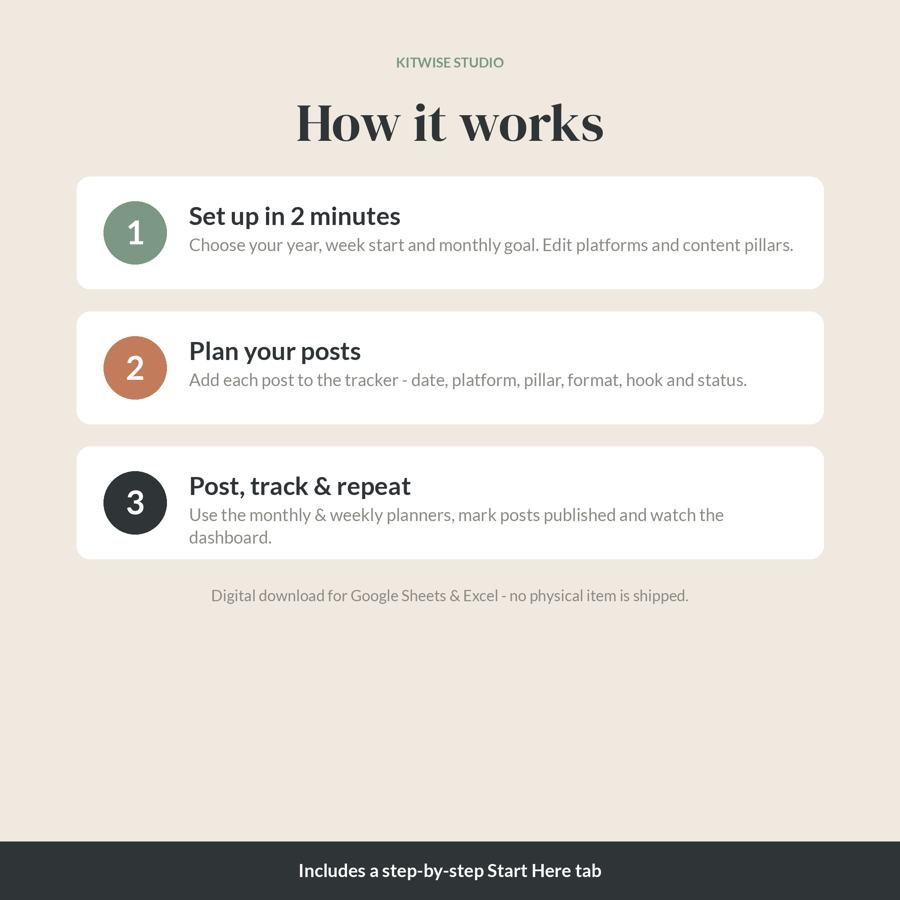
Download the zip after purchase and unzip it. Upload the .xlsx to Google Drive and choose File > Save as Google Sheets, or open it in Excel. Full instructions are on the Start Here tab and in the Read Me First PDF.
Please note
- This is a digital download. No physical item will be shipped.
- For use in your own business. Please don't resell or share the files.
- Questions? Reply to your purchase receipt email – happy to help.
Get the Content Calendar – $12
FAQ
What's included in the Content Calendar?
Monthly Planner: pick any month and see every post on its date (up to 3 a day + '+ more'), published posts ticked, today highlighted, month theme, post count and goal progress; Weekly Planner: type any date to see that week's posts with platform, time and status, plus a weekly focus, to-do list and notes; Post Tracker (300 rows): date, day, time, platform, content pillar, format, title / hook, caption notes, CTA / link, status, reach, likes, comments, shares, saves and automatic engagement rate; Ideas Bank (200 rows): idea, pillar, platform, format, priority, status, date added and planned date; Dashboard: planned, published, scheduled, ideas waiting, posts this month, next 7 days, average engagement, overdue posts, a 12-month overview with themes and goals, platform / pillar / status breakdowns and 3 charts; Settings: planner year, Monday or Sunday week start, monthly goal and editable lists (11 platforms, 8 content pillars, formats, statuses); Start Here instructions tab, a BLANK file and a SAMPLE-data file.
What software do I need?
Works in Google Sheets and Microsoft Excel (also LibreOffice / Apple Numbers).
How do I get the files after buying?
Download the zip after purchase and unzip it. Upload the .xlsx to Google Drive and choose File > Save as Google Sheets, or open it in Excel. Full instructions are on the Start Here tab and in the Read Me First PDF.
Is this a physical product?
This is a digital download. No physical item will be shipped.
Does it need macros or a subscription?
No macros, no add-ons, no subscription.
How much does it cost?
$12 (USD), one-time payment via secure Gumroad checkout.