Client CRM & Project Tracker
Keep every lead, client, project and payment in one simple spreadsheet – with a dashboard that updates itself.
Instant digital download · Secure checkout via Gumroad
What's included
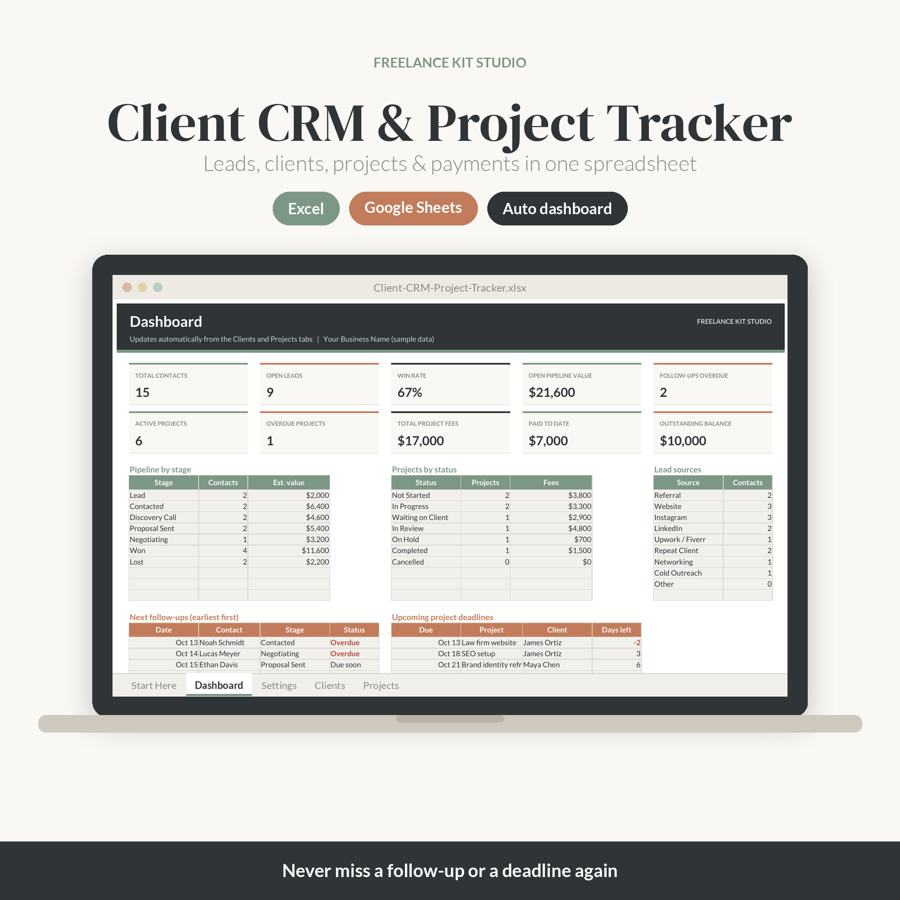
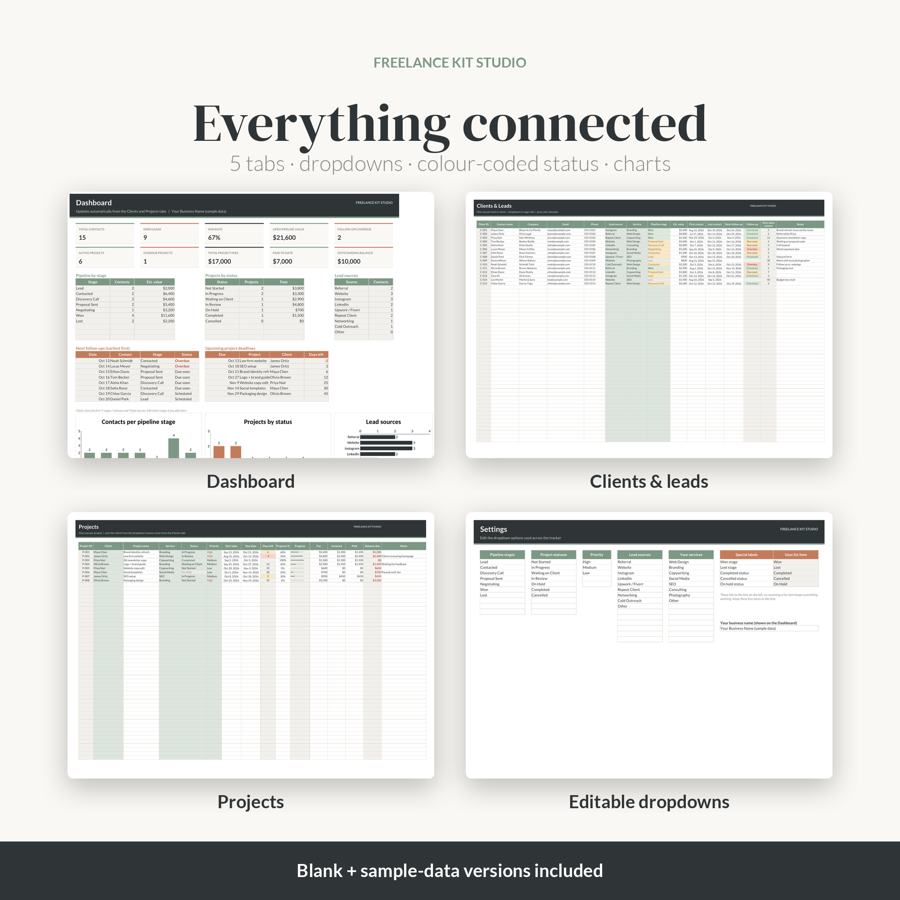
- Dashboard: contacts, open leads, win rate, pipeline value, overdue follow-ups, active & overdue projects, fees, paid and outstanding balance
- Charts: contacts per pipeline stage, projects by status and lead sources
- Next follow-ups and upcoming deadlines lists (auto-sorted)
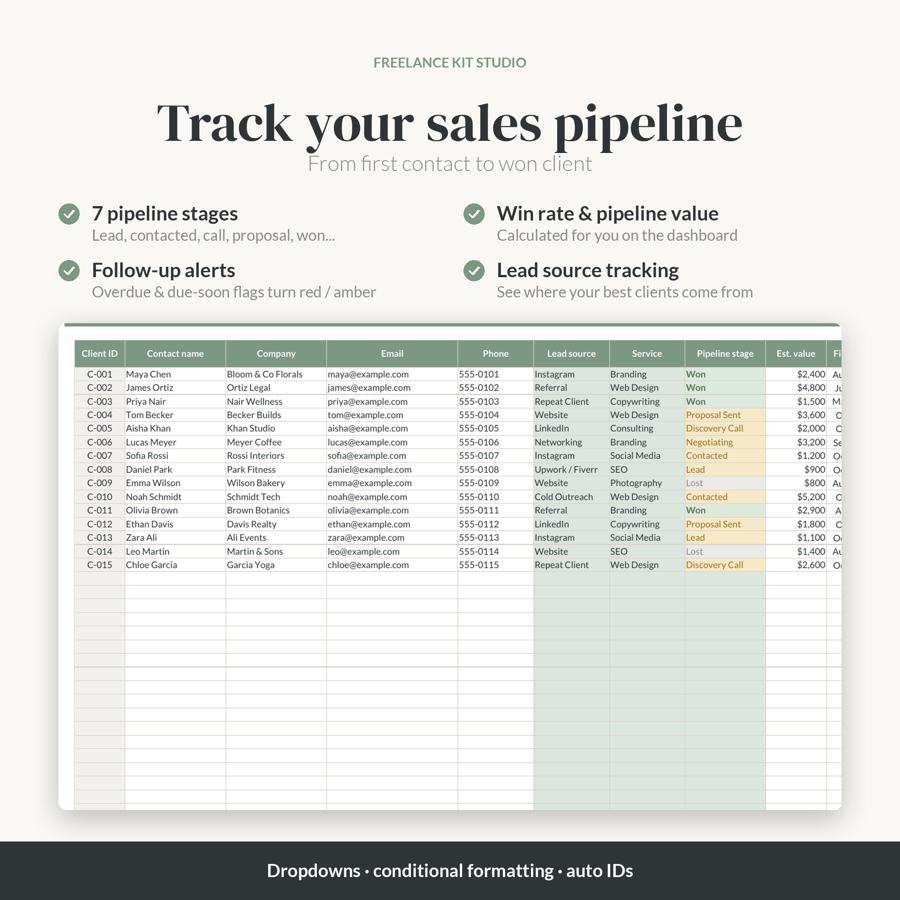
- Clients & Leads tab (200 rows): auto client IDs, lead source, service, pipeline stage, value, contact dates, follow-up alerts
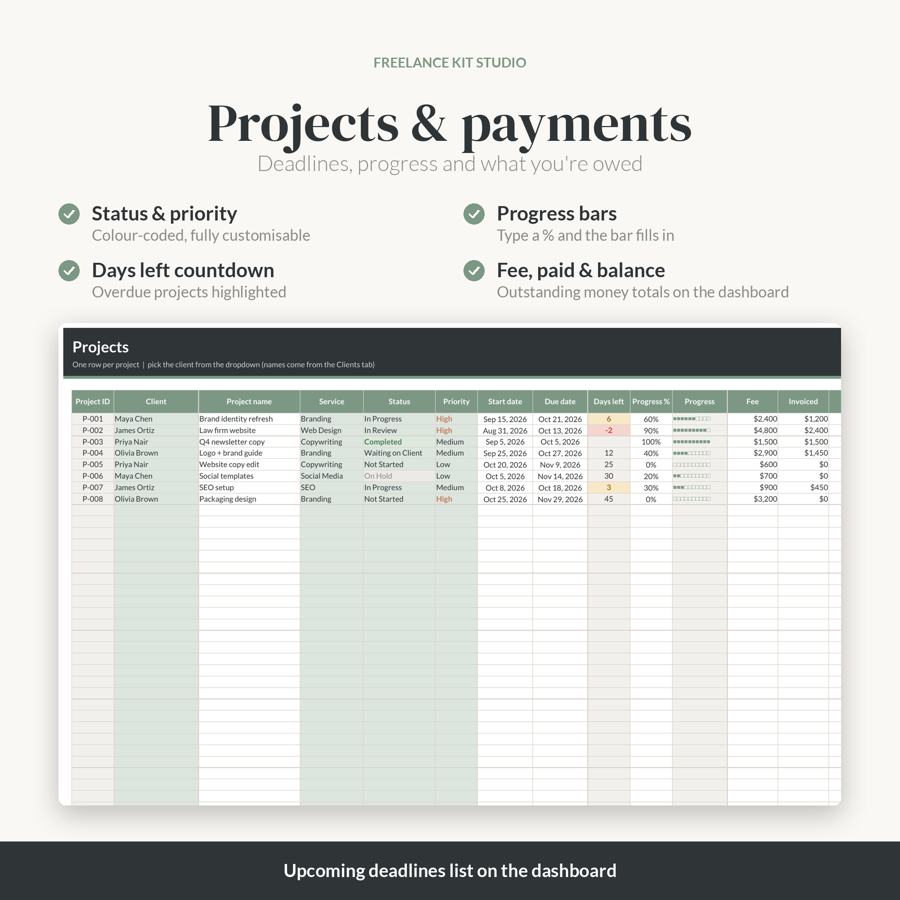
- Projects tab (200 rows): status, priority, start/due dates, days-left countdown, progress bar, fee, invoiced, paid, balance
- Settings tab: edit every dropdown (stages, statuses, priorities, lead sources, services)
- Start Here instructions tab, a BLANK file and a SAMPLE-data file
Features
- Dropdown menus and colour-coded conditional formatting
- Overdue follow-ups and projects highlighted automatically
- Works in Microsoft Excel and Google Sheets (also LibreOffice / Apple Numbers)
- No macros, no add-ons, no subscription
How to access
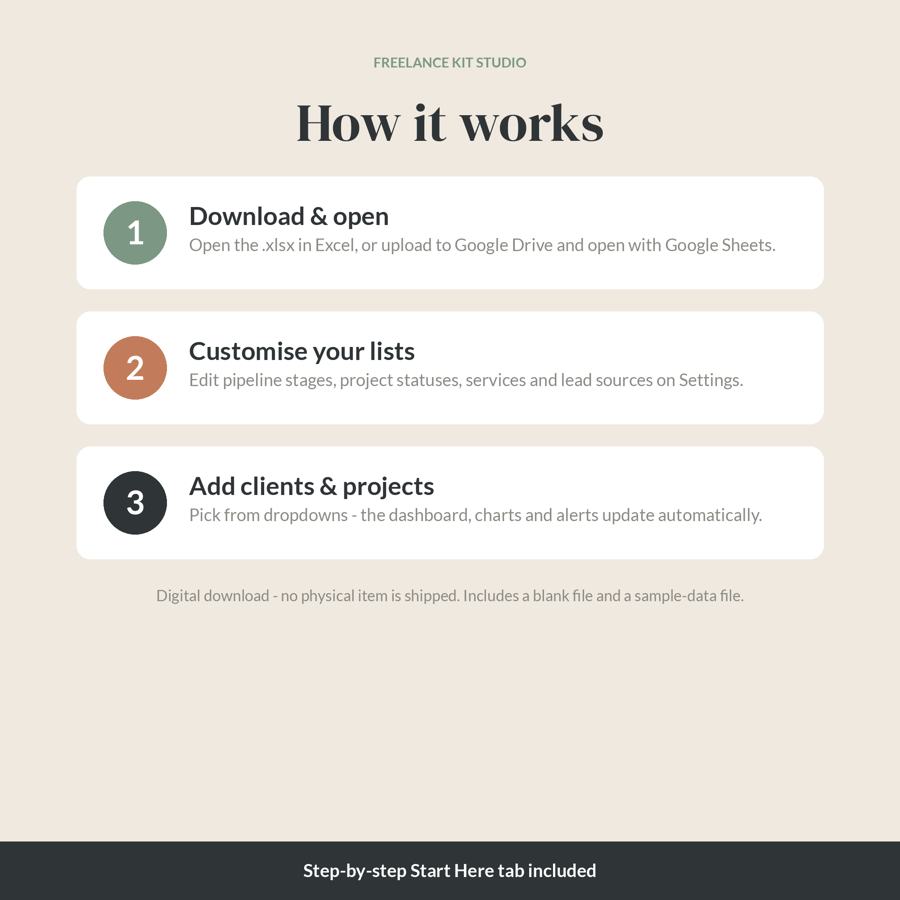
Download the .xlsx files from the link in your Gumroad receipt email (or your Gumroad library). Open in Excel, or upload to Google Drive and choose File > Save as Google Sheets. Full instructions are inside the file and in the Read Me First PDF.
Please note
- This is a digital download. No physical item will be shipped.
- Colours may vary slightly between screens and printers.
- For personal use in your own business. Please don't resell or share the files.
- Questions? Email [email protected] or reply to your purchase receipt email – happy to help.
Get the Client CRM & Project Tracker – $17
FAQ
What's included in the Client CRM & Project Tracker?
Dashboard: contacts, open leads, win rate, pipeline value, overdue follow-ups, active & overdue projects, fees, paid and outstanding balance; Charts: contacts per pipeline stage, projects by status and lead sources; Next follow-ups and upcoming deadlines lists (auto-sorted); Clients & Leads tab (200 rows): auto client IDs, lead source, service, pipeline stage, value, contact dates, follow-up alerts; Projects tab (200 rows): status, priority, start/due dates, days-left countdown, progress bar, fee, invoiced, paid, balance; Settings tab: edit every dropdown (stages, statuses, priorities, lead sources, services); Start Here instructions tab, a BLANK file and a SAMPLE-data file.
What software do I need?
Works in Microsoft Excel and Google Sheets (also LibreOffice / Apple Numbers).
How do I get the files after buying?
Download the .xlsx files from the link in your Gumroad receipt email (or your Gumroad library). Open in Excel, or upload to Google Drive and choose File > Save as Google Sheets. Full instructions are inside the file and in the Read Me First PDF.
Is this a physical product?
This is a digital download. No physical item will be shipped.
Does it need macros or a subscription?
No macros, no add-ons, no subscription.
How much does it cost?
$17 (USD), one-time payment via secure Gumroad checkout.